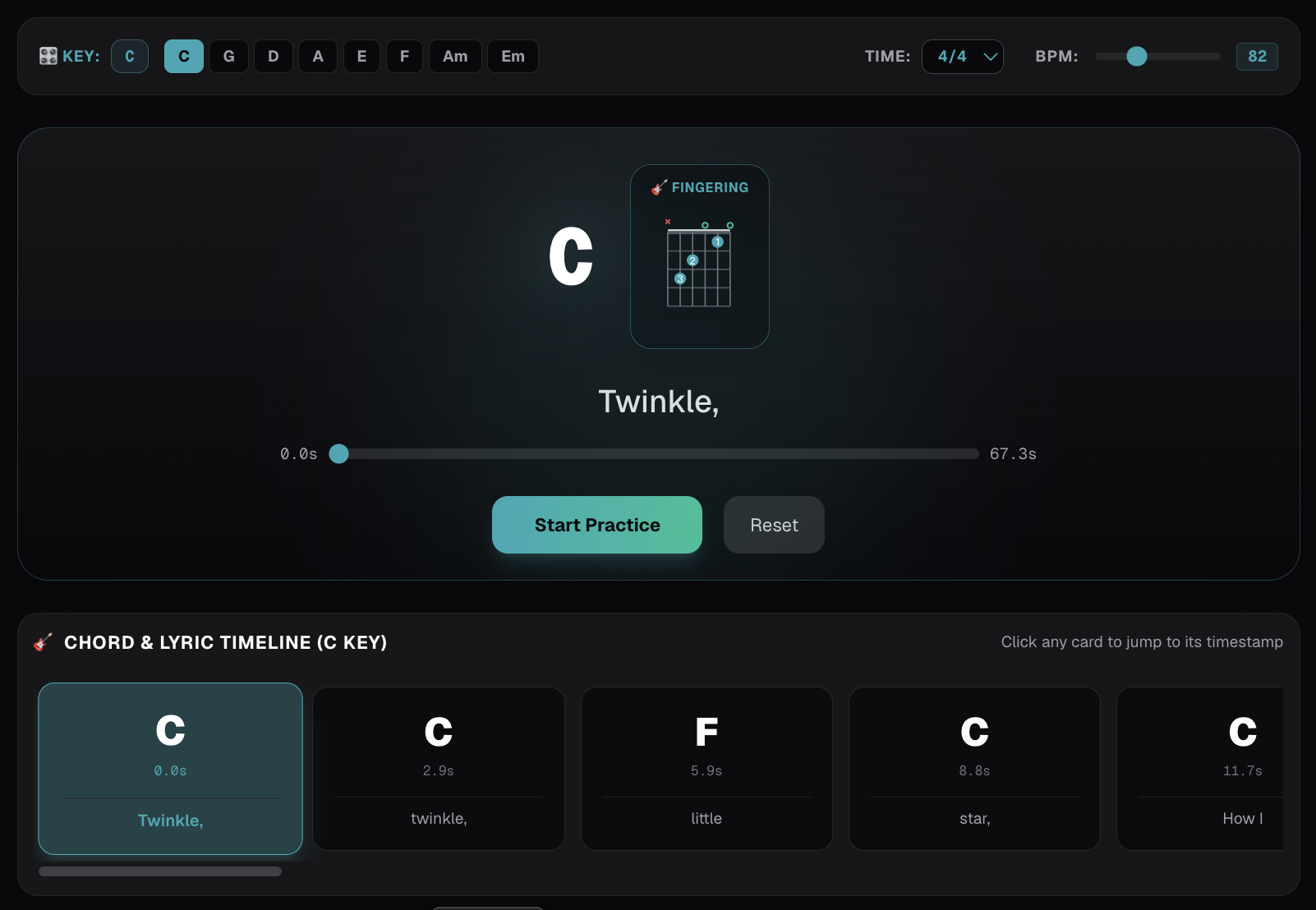
Guitar Chord Maker & Chord Builder from Song Lyrics
Paste your lyrics to auto-generate a chord progression. Tweak chords, save your song, then head to Practice Player to play along.
Quick Start
Twinkle Twinkle Little Star (Demo)
How to Use Guitar Chord Maker
Paste your lyrics
Click “Add Lyrics or Chords” and paste song lyrics, or upload a .txt file. You can also include existing chord symbols.
Auto-generate & tweak
Pick a key and the tool generates a common pop progression. Edit any chord or lyric directly on the cards.
Save & practice
Save your song as JSON, then click “Start Practicing” to play along with the built-in Practice Player.
Frequently Asked Questions
How does auto-generating chords from lyrics work?
When you paste lyrics without chord symbols, the tool detects lyric-only content and lets you choose a key. It then applies a common pop progression (I–V–vi–IV style) across the lines so you can start practicing immediately.
Can I edit the generated chords?
Yes. Click any chord or lyric card to edit it. You can also add or delete bars, then save the song when you’re happy with it.
What format is used when I save a song?
Songs are saved as a simple JSON file containing the chord sequence, lyrics, key and BPM. You can reopen them later or share the file.
How do I practice the chords I just made?
Click “Start Practicing” to send the current song to the Practice Player, where you can follow the timeline, see fingerings, and play along.
Ready to practice your chord progression ?
Head over to the Practice Player to follow the chord sequence you just created, check guitar fingerings, and practice along with the metronome at your preferred speed.