
AI Audio Separation in Claude & Cursor: Introducing Sonicaura MCP
If you're a music producer, podcaster, or audio engineer, you know the pain: you're deep in a creative flow, using an AI assistant like Claude to write lyrics or brainstorm ideas, but you need to split a stem or remove vocals from a reference track.
So you leave your chat, open a browser, upload the file, wait for processing, and download the results. By the time you're back in Claude, your flow is broken.
Sonicaura Studio is changing this with Model Context Protocol (MCP).
We are thrilled to announce that Sonicaura is now available as an MCP server. You can now run professional-grade audio separation, denoising, and transcription directly inside your favorite AI clients—including Claude Desktop, Cursor, and WorkBuddy.
What is Model Context Protocol (MCP)?
MCP is an open standard that allows AI models to securely interact with external tools and data sources. Instead of relying solely on the AI's built-in knowledge, MCP lets the AI "call" specialized tools—like Sonicaura's audio processing engine—to perform real-world tasks.
Think of it as giving your AI assistant a pair of professional audio engineering hands.
What Can You Do with Sonicaura MCP?
Once you connect Sonicaura to your AI client, you can use natural language to trigger complex audio workflows. No complex UI, no manual uploads—just conversational commands.
Here are the core capabilities you can access:
- Stem Separation (2/4/6 tracks): Isolate vocals, drums, bass, guitar, piano, and other instruments with a single prompt.
- Vocal Removal: Instantly create karaoke tracks or backing tracks by removing vocals from any song.
- Background Noise Reduction: Clean up messy podcast recordings or noisy field audio.
- Loudness Normalization: Automatically normalize audio to broadcast standards (e.g., -16 LUFS) for consistent playback.
- Audio Transcription: Extract lyrics or spoken word from your audio files and export them as transcripts.
How It Works: A Real-World Example
Imagine you are working in Claude Desktop and you have a rough podcast recording. You don't need a separate plugin. You just type:
"Separate the vocals from this podcast clip, remove the background noise, normalize it to -16 LUFS, and export a transcript."
Behind the scenes, your AI client will automatically invoke Sonicaura's MCP tools:
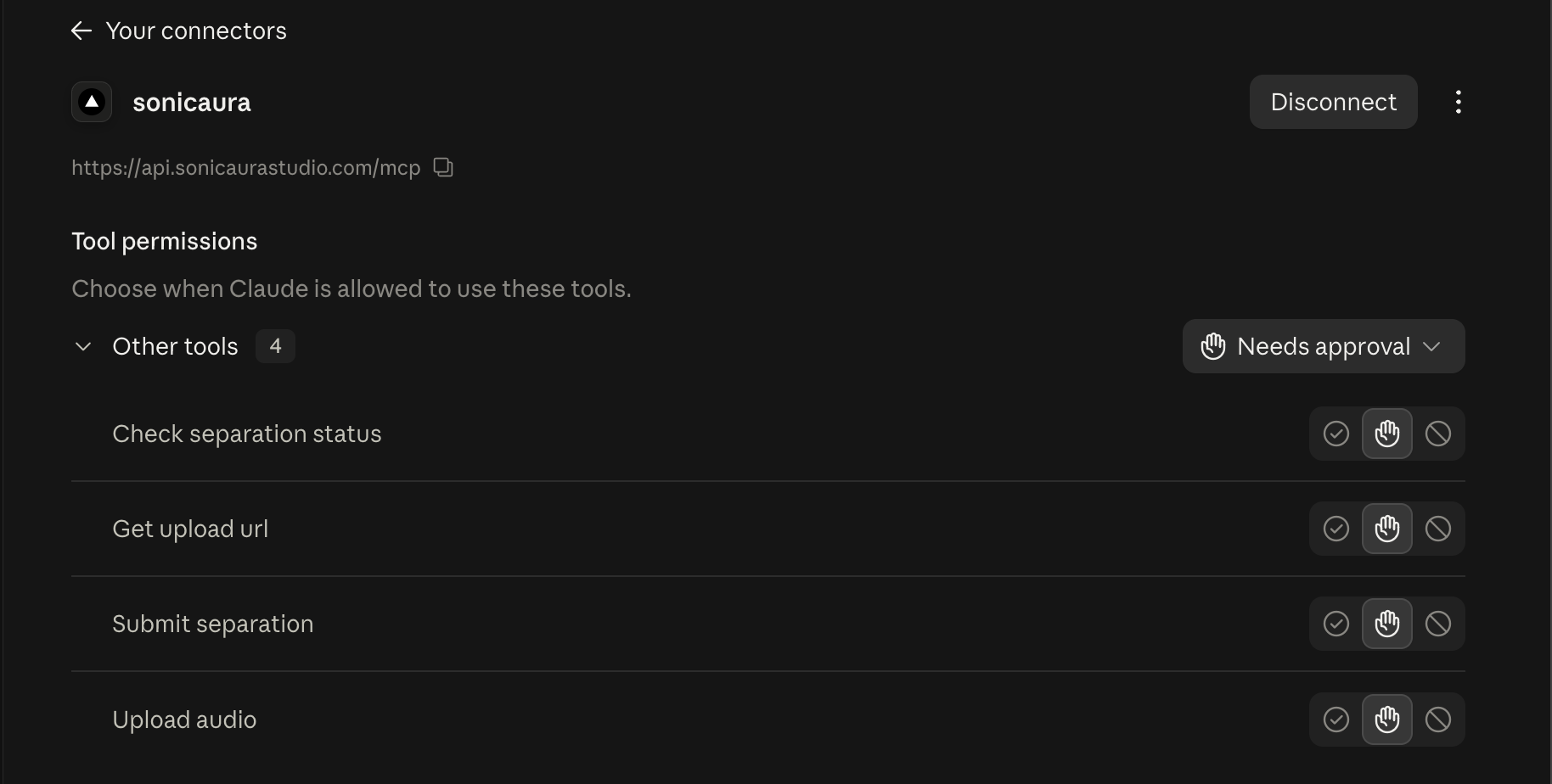
get_upload_url(Orupload_audiofor small files) – Securely sends your audio to Sonicaura's servers.submit_separation– Initiates the AI separation and denoising pipeline.check_separation_status– Monitors the task and retrieves the signed download URLs and your transcript once complete.
You get studio-quality audio stems and a transcript without ever leaving your chat window.
Supported AI Clients
Sonicaura MCP is compatible with any AI client that supports the MCP standard. We currently have one-click configurations for:
-
Claude Desktop
-
Cursor
-
WorkBuddy
-
Claude Code
Getting Started is Easy (and Free)
You don't need to be a developer to use this. Here is how to get started in under 2 minutes:
- Get your API Key: Visit our MCP Integration page and sign in. Your API key is generated automatically.
- Copy your config: Select your AI client (e.g., Claude Desktop) and copy the generated JSON configuration.
- Paste and restart: Paste the config into your client's settings file and restart the application.
The Free tier includes 3 MCP executions per month, allowing you to test stem separation, denoising, and transcription risk-free. For power users, our Pro and Developer plans offer unlimited pipeline access and higher concurrency.
The Future of Audio Production is Conversational
We believe the best tools are the ones that disappear into your workflow. With Sonicaura MCP, you don't need to learn a new UI or remember complex parameters—you just describe what you want to achieve.
Ready to bring AI audio separation into your favorite AI client?